Practical guide · PocketMirror
How to use zoom and freeze frame in PocketMirror
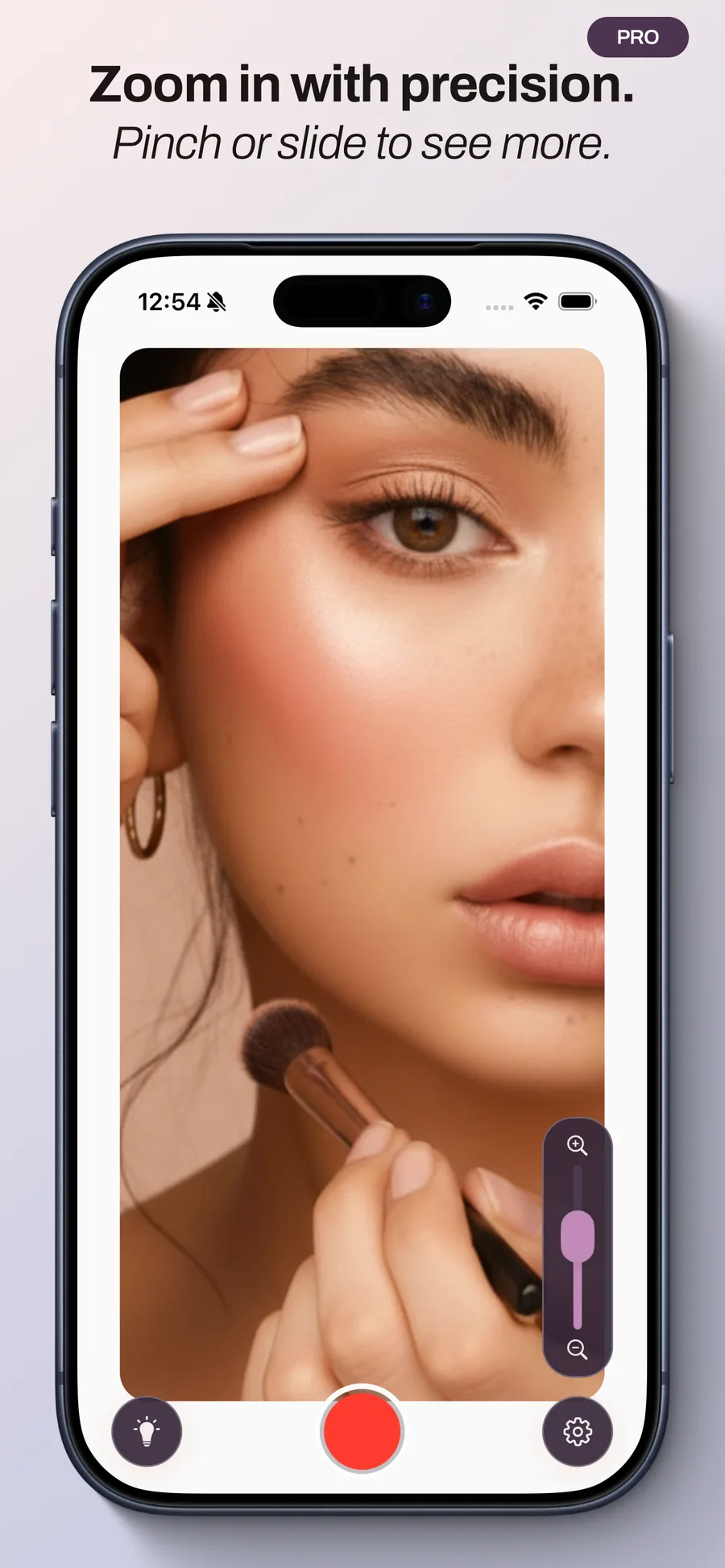
PocketMirror Pro includes two complementary tools for inspecting makeup or a particular area: zoom in the mirror and freeze frame. One enlarges the view; the other gives you time to inspect a still image.
Before you start
Zoom and freeze frame are part of PocketMirror Pro, a one-time purchase with no subscription. The price appears in the app before purchase. The mirror and lighting remain free.
Use enough light and hold the phone steady. Zoom enlarges what the camera sees, so a clear, well-lit starting image helps.
1. Zoom in the mirror
Use the pinch gesture or zoom slider to increase magnification gradually until you can see the area you want.
Zoom out to regain an overall view if needed, then adjust again. Higher magnification can make hand movements and image limitations more noticeable.
2. Freeze the image
When the view looks right, use freeze frame. You can then zoom and pan around the image without having to hold the same pose in front of the camera.
A frozen image shows the captured moment. Return to the live mirror to check a later touch-up, and freeze a new image if needed.
3. Save or share if you wish
Freezing does not automatically save an image to Photos. Choose save to keep it, or share to send it to a destination you select.
Photos access is requested when saving. Camera images are not sent to PocketMirror’s servers; you decide what to keep or share.
What happens to custom guides?
Guide lines appear only in the live mirror. They do not appear in frozen, saved or shared images.
Use guides for reference points in the live view, and freeze frame to inspect a particular moment.
A simple routine for checking a detail
Start with an overall view, adjust the lighting, then zoom moderately into the area you want. Freeze the image to take your time, then return to the live mirror to check your touch-up.