Practical guide · PocketMirror
How to use your iPhone as a mirror
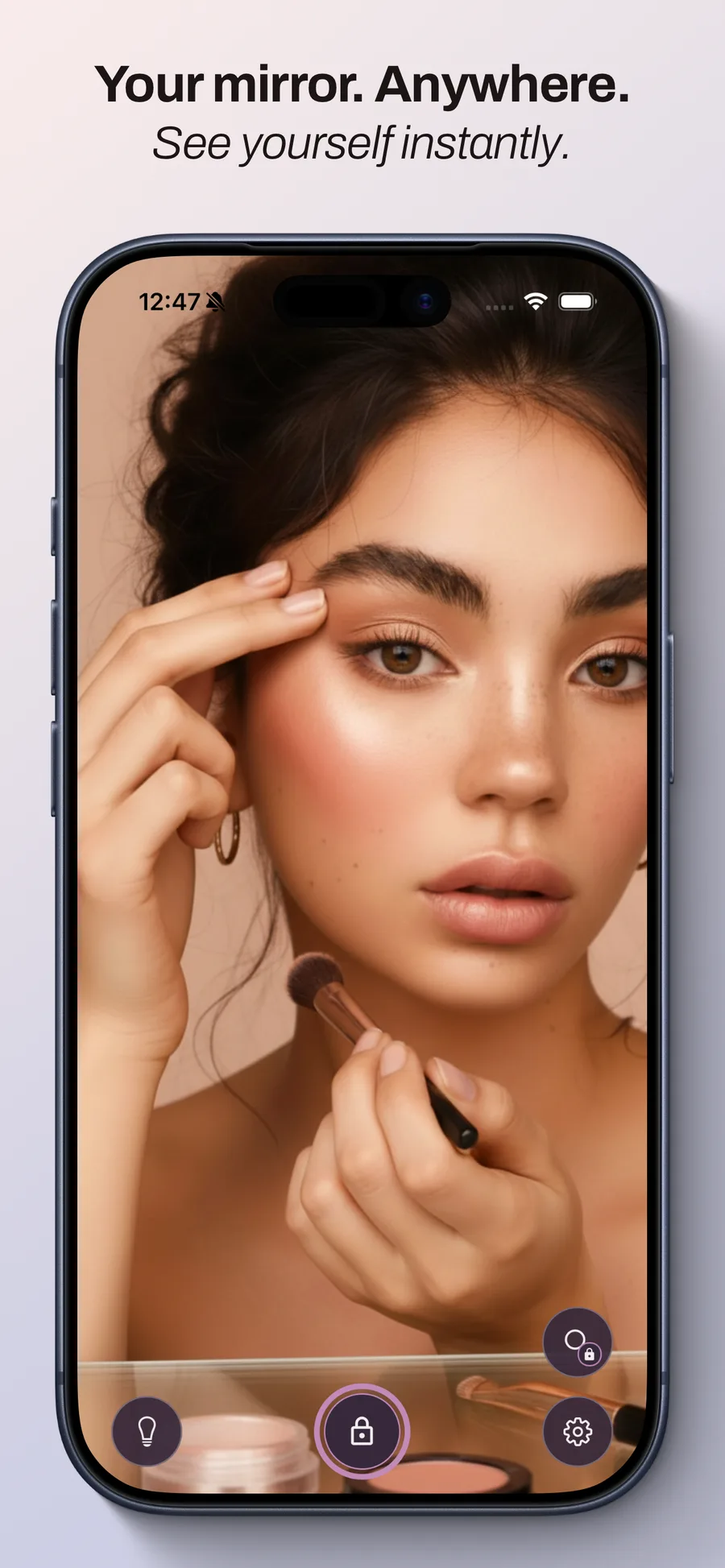
A quick touch-up before heading out or a check between appointments: your iPhone can work as a mirror using its front-facing camera. PocketMirror brings a mirror and contour lighting together in an interface made for these everyday moments.
Open your mirror
Open PocketMirror and allow camera access if your iPhone asks. The front-facing camera shows your face on screen, with no account needed.
Hold the phone comfortably in front of you. Start with an overall view of your hair or makeup before moving it closer.
Adjust the light
Turn on contour lighting when the room is dim. You can customize its color and width, and the app automatically optimizes screen brightness on iOS.
Choose a comfortable setting. To judge a makeup shade, also check it in the lighting where you will be going: lighting and the camera can change how colors look on screen.
Look closer with PocketMirror Pro
The mirror and lighting are free. Pro adds zoom using a pinch gesture or slider, plus freeze frame. You can then zoom and pan around the frozen image to inspect a detail.
Freezing an image does not automatically save it to Photos. With Pro, you decide whether to save or share it. Pro is a one-time purchase with no subscription; the price appears in the app before you buy.
Keep your mirror within reach
PocketMirror includes two free iPhone Lock Screen widgets: one opens the mirror, and the other opens it with lighting. They help you get to the app quickly.
Your images, your choice
No image is saved automatically, and camera images are not sent to our servers. For your own reference lines in the live mirror, Pro also offers custom horizontal and vertical guides that you can save and reuse.