Instant mirror with the front-facing camera
Lighted Mirror App
PocketMirror: Your instant mirror with perfect light, anywhere.
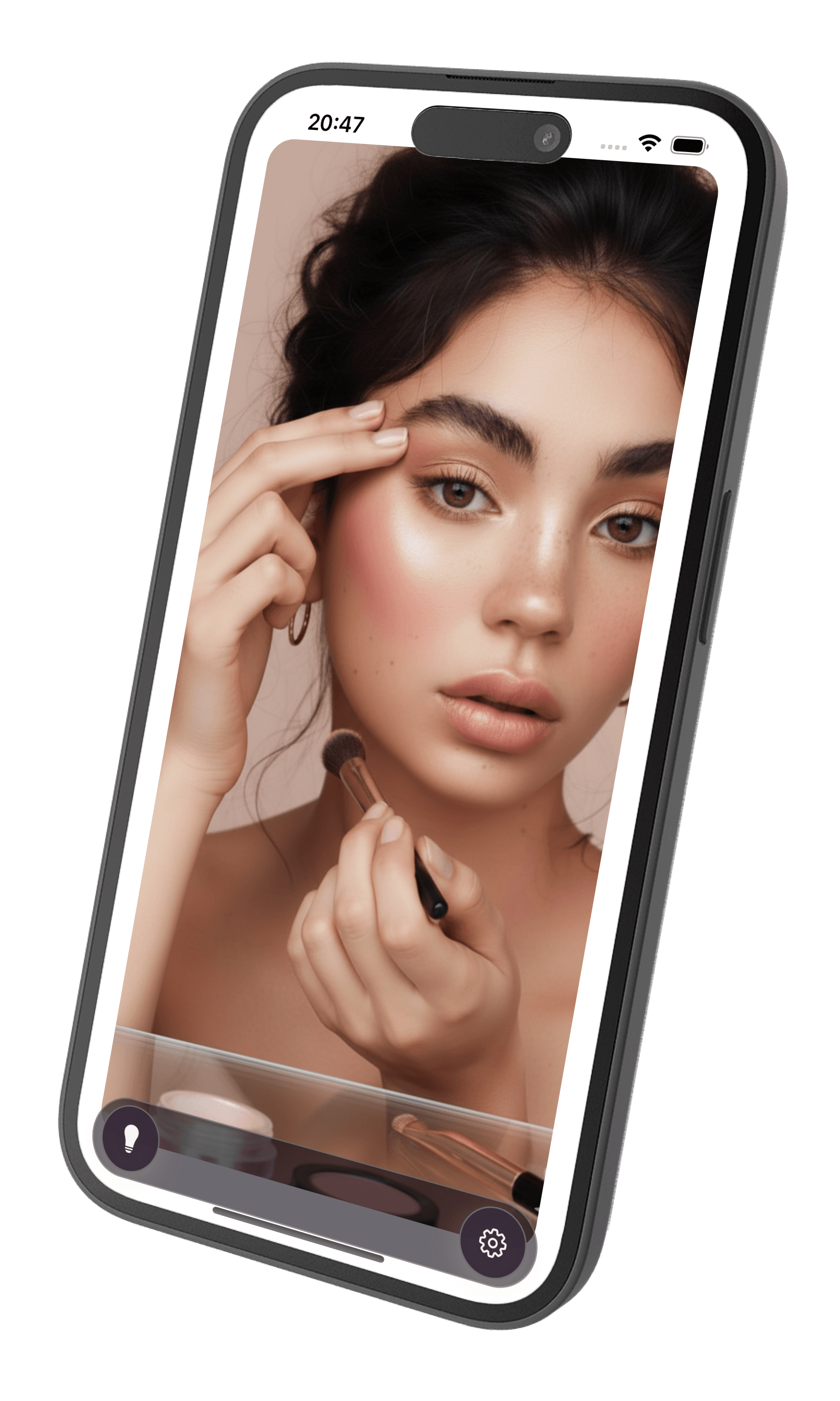
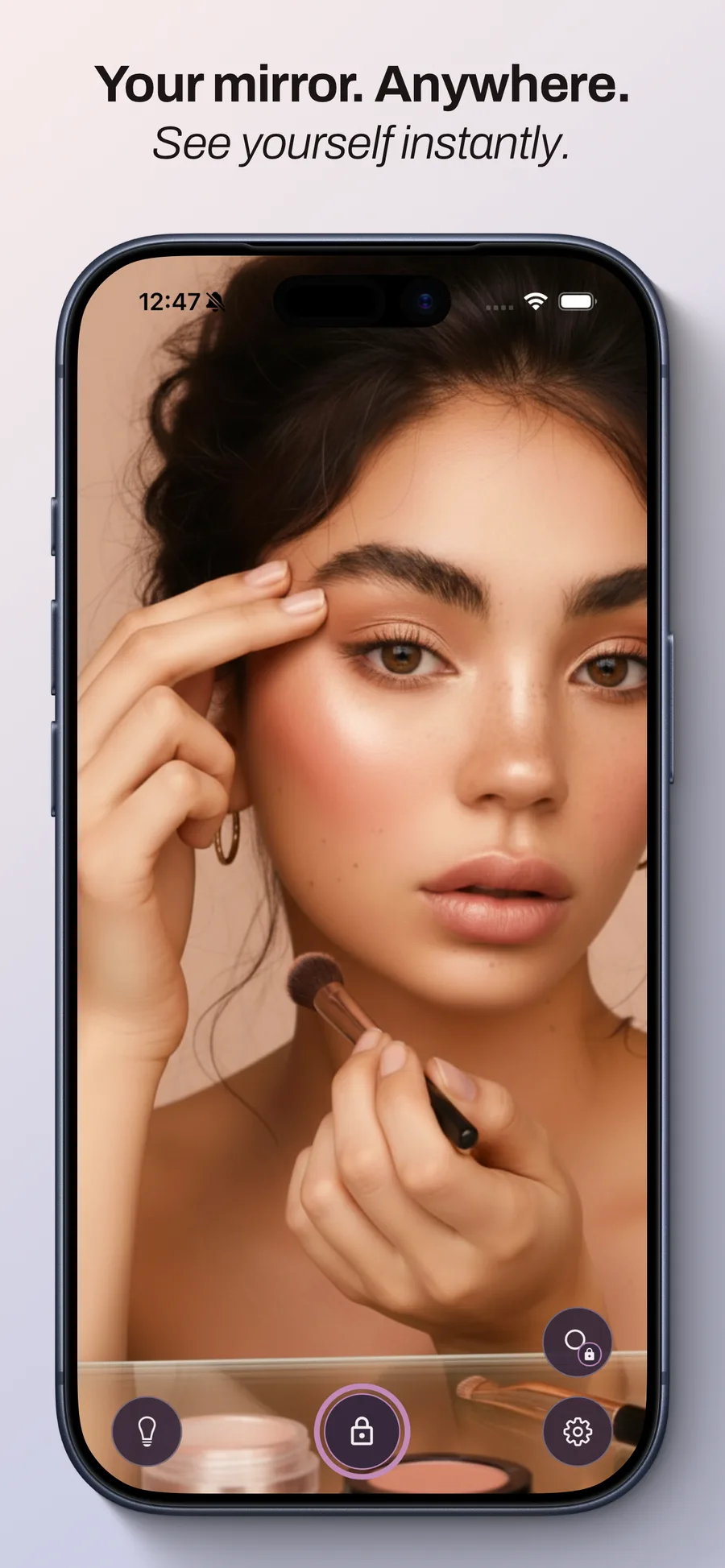
PocketMirror turns your iPhone into a clean, fast, front-camera mirror with adjustable lighting.
Your images. Your choice. Open your mirror, turn on the light and make it yours. No account needed.
Explore PocketMirror Pro → Coming Soon
Free
The essentials, always within reach.
Open your mirror, turn on the light and make it yours. No account needed.
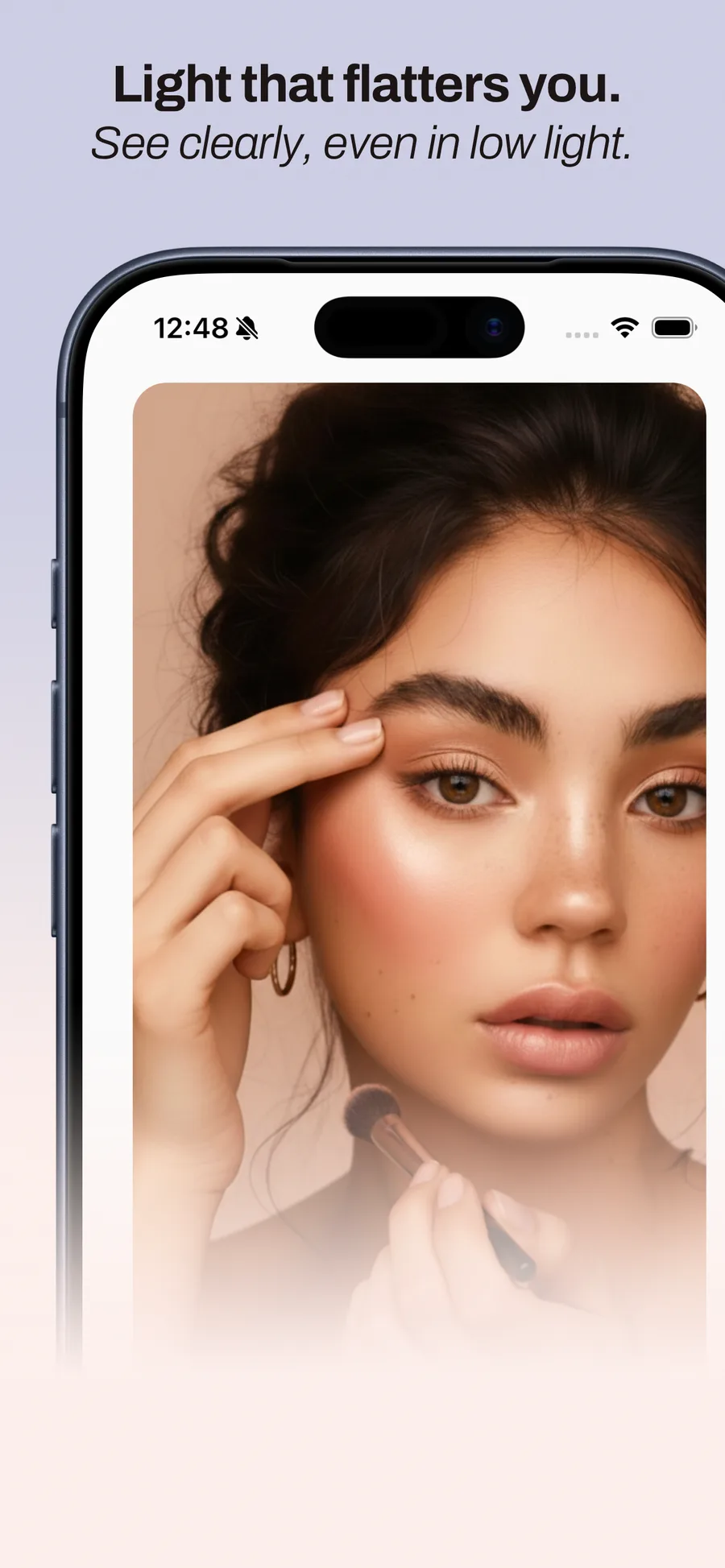
Contour lighting with one tap
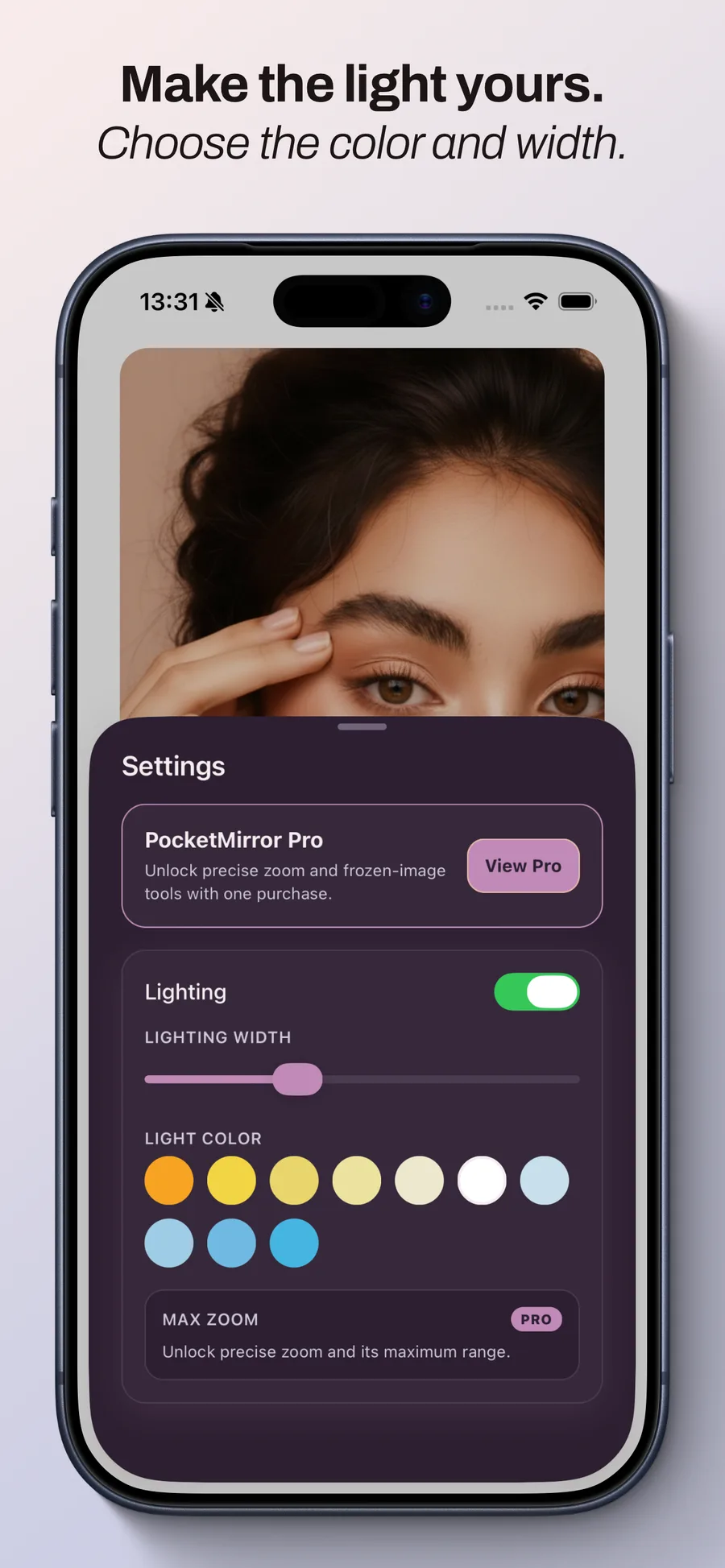
Customizable light color and width
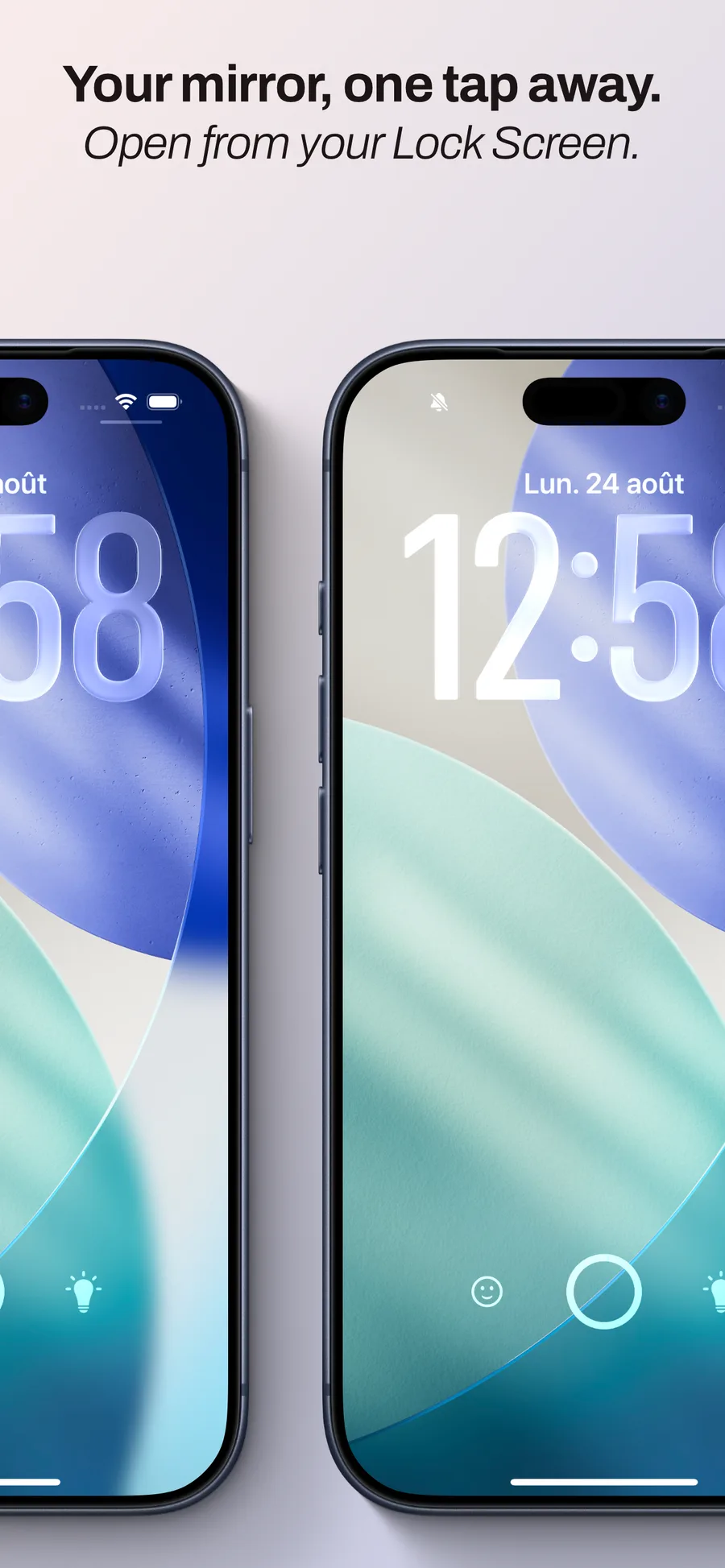
Two Lock Screen widgets: with or without light
Interface designed for one-handed use
Screen brightness automatically optimized on iOS
PocketMirror Pro
Your guides. Your way.
One purchase. No subscription. All the tools to look closer and keep your favorite guides.
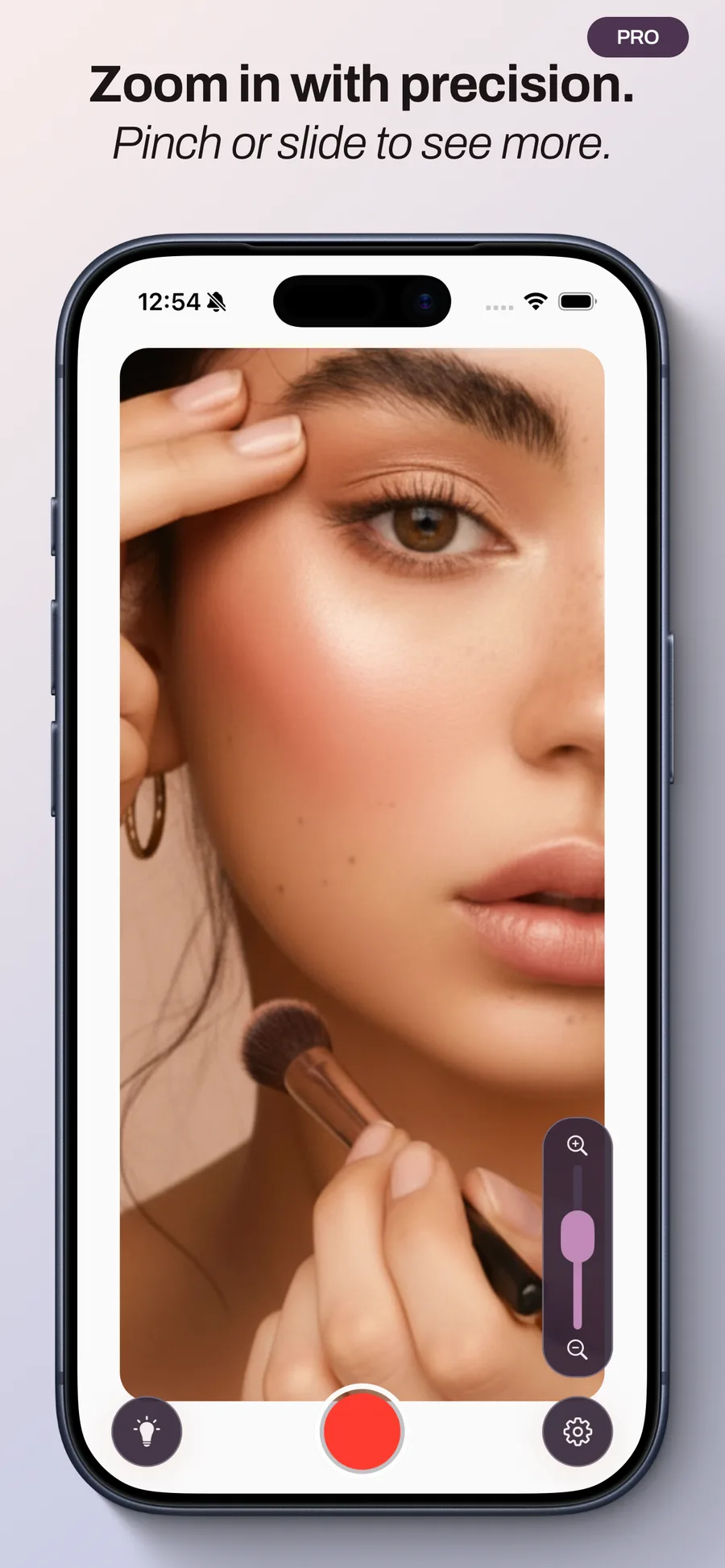
- Precise zoom with pinch and slider controls
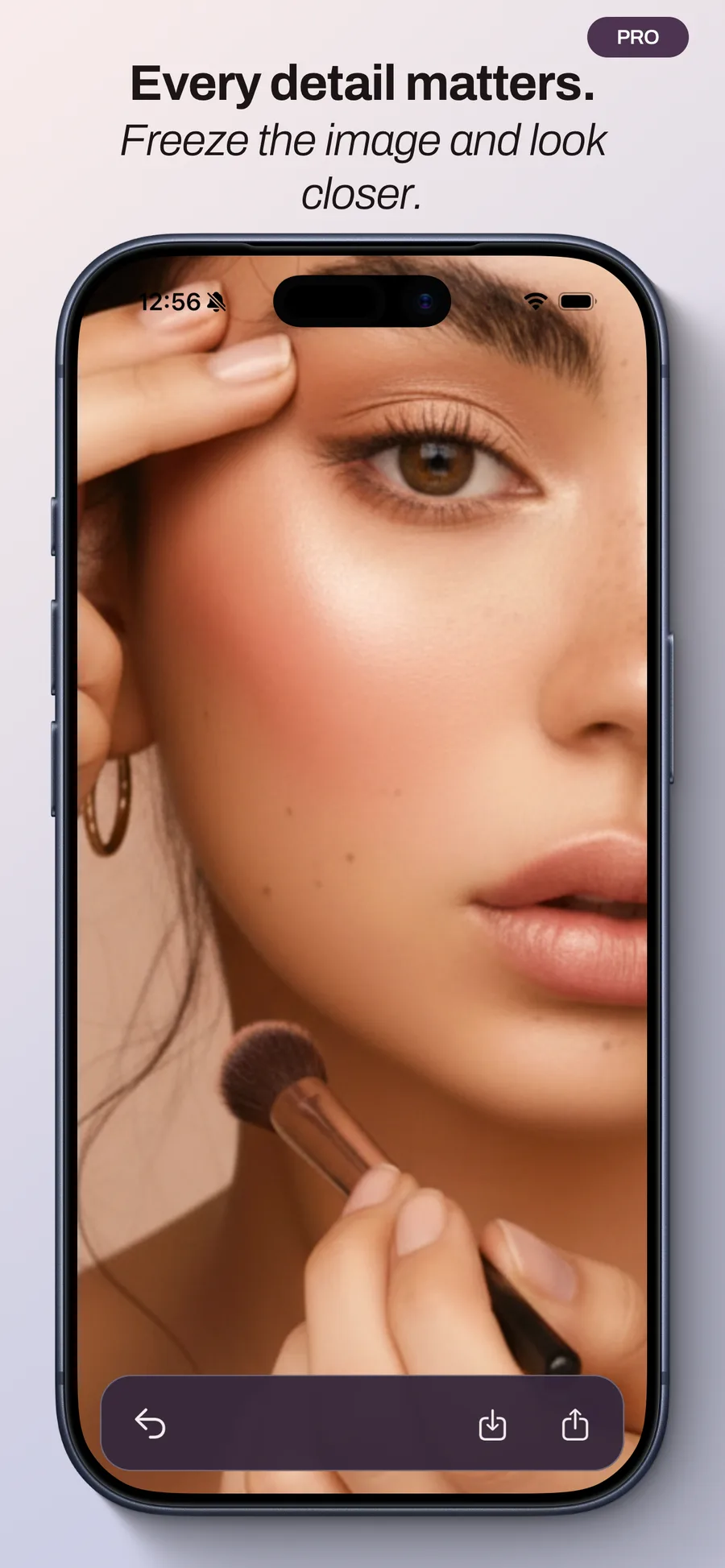
- Freeze the image, then zoom and pan
- Save to Photos and share instantly
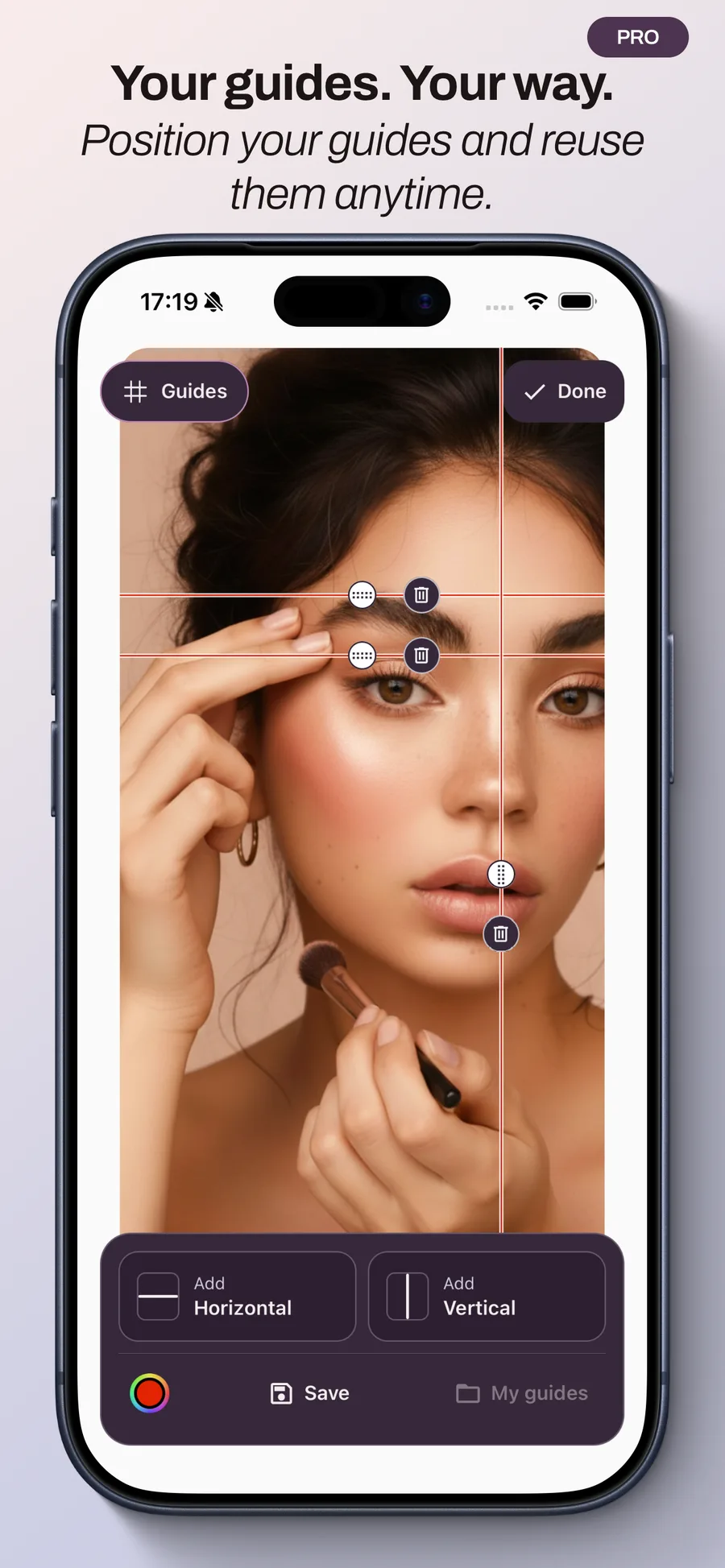
- Custom guides to save and reuse
Custom guides · Pro
Check your makeup or find your alignment with your own guides, placed right on the mirror.
- Add and move horizontal and vertical lines.
- Choose the color that works for you.
- Save, name and reuse your favorite layouts.
Your guides stay on this device. They appear only in the live mirror, never in frozen, saved or shared images.
Your mirror, down to the details.
From a quick glance to precise adjustments, see PocketMirror in action.
Your images. Your choice.
No account needed. No image saved automatically. With Pro, you choose whether to save or share a frozen image. Camera images are never sent to our servers.
Privacy PolicyGet to know your mirror.
Five practical guides to discover PocketMirror and what it can do.
How to use your iPhone as a mirror
Keep a mirror close at hand: learn how to use PocketMirror on iPhone, adjust the lighting and take a closer look with Pro.
Read the guideHow to get a lighted mirror on your iPhone
Turn on PocketMirror’s free contour lighting and adjust its color and width to use your mirror in low light.
Read the guideHow to use PocketMirror’s custom guides
Place horizontal and vertical lines in your mirror, choose their color and save your layouts with PocketMirror Pro.
Read the guideHow to use zoom and freeze frame in PocketMirror
Take a closer look with PocketMirror Pro’s zoom, freeze the image, then choose whether to save or share it.
Read the guideHow to add a mirror to your iPhone Lock Screen
Add a free PocketMirror Lock Screen widget to open your iPhone mirror quickly, with or without lighting.
Read the guide
A few answers before you start.
What is free?
The mirror, contour lighting, light color and width, and both Lock Screen widgets are free.
Is PocketMirror Pro a subscription?
No. Unlock Pro with a one-time in-app purchase. It includes zoom, freeze frame, saving, sharing and custom guides. The price is shown in the app before you purchase.
How do I restore Pro?
Use the restore purchases option on the PocketMirror Pro screen, with the Apple Account used for your purchase.
How do I add the widgets?
On iPhone, touch and hold the Lock Screen, choose Customize, then the Lock Screen. Tap the widget area and select PocketMirror: mirror only or mirror with light.
Are my photos saved automatically?
No. Freezing an image does not save it to Photos. You decide whether to save or share it. Photos permission is requested when saving.
Will guides appear in my photos?
No. Guides only appear in the live mirror. Your layouts are saved locally on this device.
Have a question or need a hand? Get in touch.
Contact supportA mirror for moments that matter
Before going out. Between appointments. In an unfamiliar place.
Or simply to take a second, breathe, and look at yourself.
PocketMirror is not a social app. It is a personal mirror, always available, always ready.
Available in multiple languages: French, English, Spanish, German, and Portuguese.
Ready in Seconds
Download PocketMirror and check your look anywhere
Get the iPhone app now. Android is coming soon.
Coming Soon